

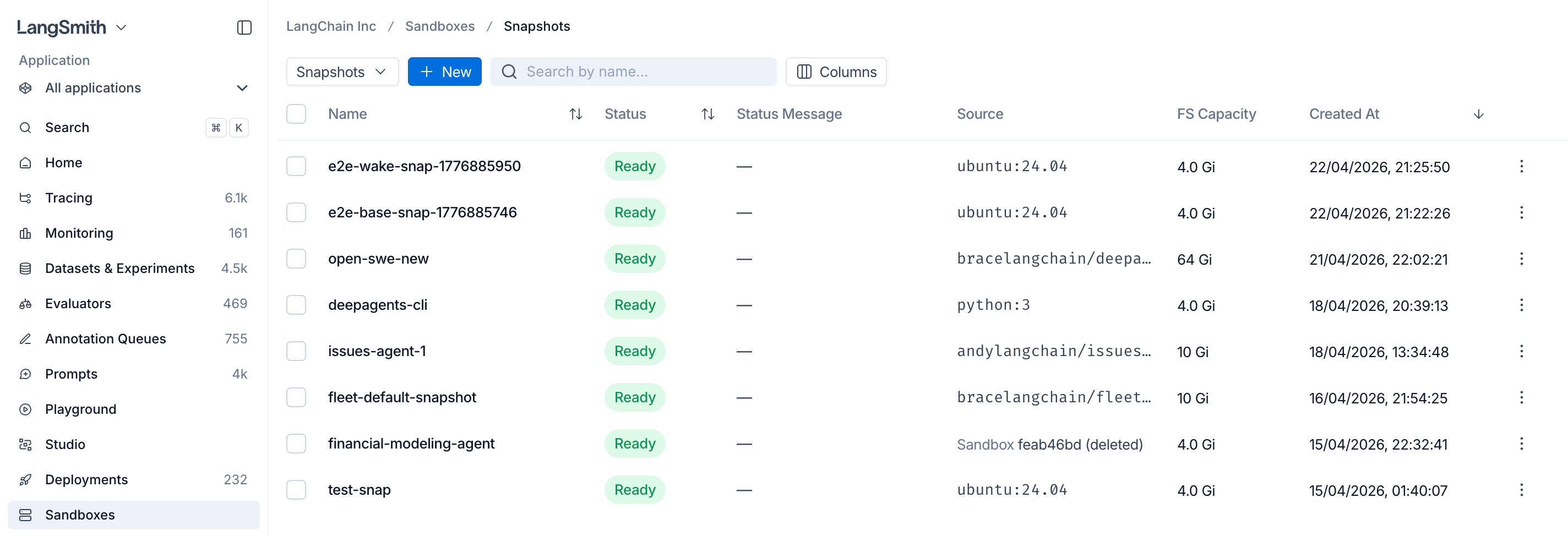
Build a snapshot from a Docker image
Build a snapshot by pointing at any Docker image. The call blocks until the snapshot is ready (default timeout is 60 seconds; bump it for large images).Private registries
Pass registry credentials (or a pre-registeredregistry_id / registryId) to pull from a private registry.
Capture a snapshot from a running sandbox
Start a sandbox from an existing snapshot, install packages or prepare data, then capture the result as a new snapshot. The returned snapshot has itssource_sandbox_id set to the sandbox it was captured from, and can be used as the snapshot_id for any later create_sandbox call.
Capture preserves the persistent filesystem only. Installed packages (under
/usr/local, /root, /opt, the home directory, etc.) and files you wrote to those locations are kept. Running processes, open sockets, in-memory state, and anything under /tmp (which is a tmpfs) are not carried over — boot the new sandbox and start the processes you need again.Tune capture timing
capture_snapshot blocks until the new snapshot is ready. Raise the timeout kwarg (default 60s) if your filesystem is large or your storage backend is slow.
List, fetch, and delete snapshots
list_snapshots / listSnapshots paginates server-side (default page size 50, max 500) and accepts optional filters: name_contains / nameContains (case-insensitive substring on name), limit (1–500), and offset (≥ 0). Page through results by advancing offset.Stop and start sandboxes
Sandboxes can be stopped and restarted without losing filesystem state. Files you wrote during the previous run are still there when the sandbox comes back up.client.stop_sandbox(name) / client.start_sandbox(name) in Python, client.stopSandbox(name) / client.startSandbox(name) in TypeScript).
Next steps
- Create sandboxes from snapshots with the SDK
- Expose HTTP services with Service URLs
- Inject credentials via the Auth proxy
Connect these docs to Claude, VSCode, and more via MCP for real-time answers.